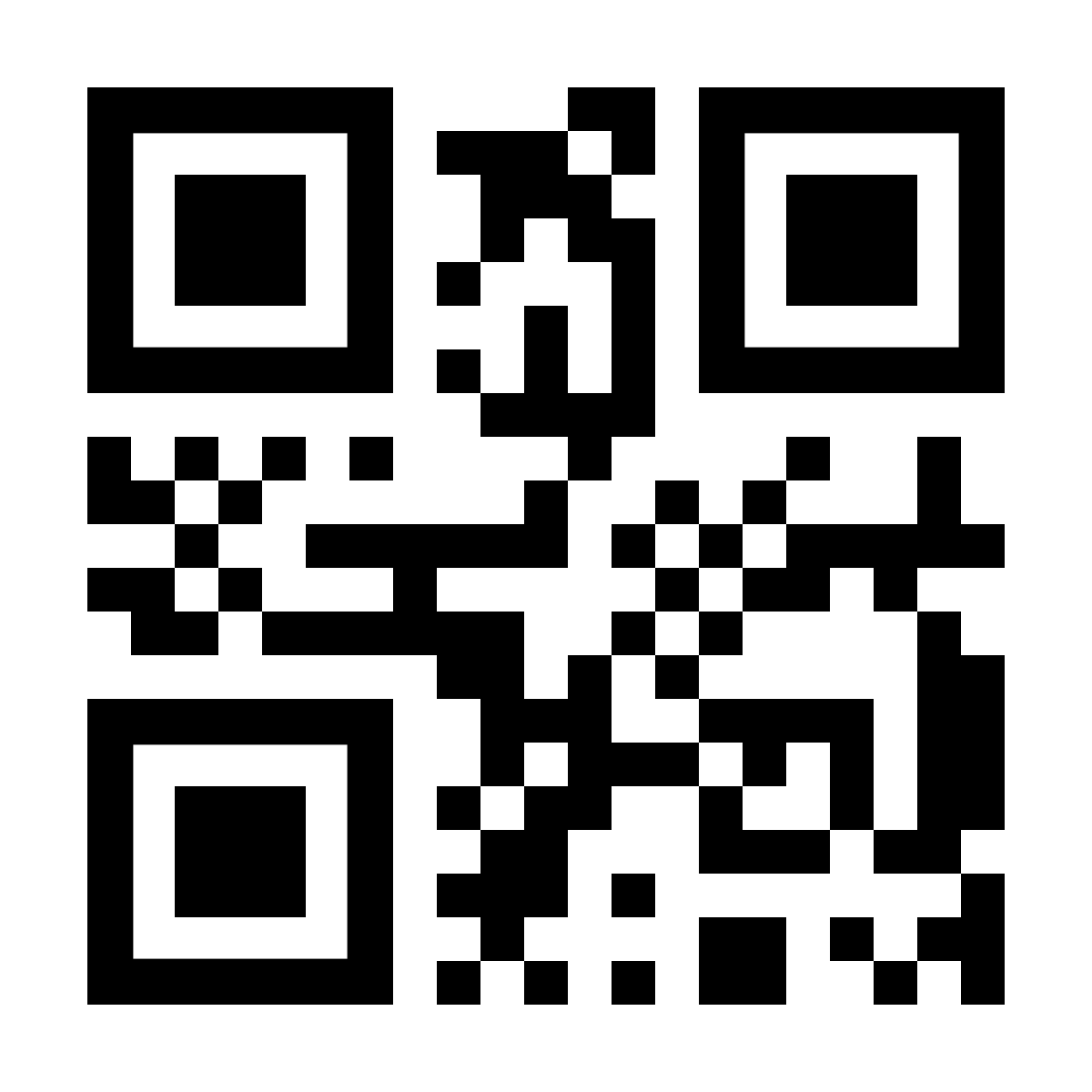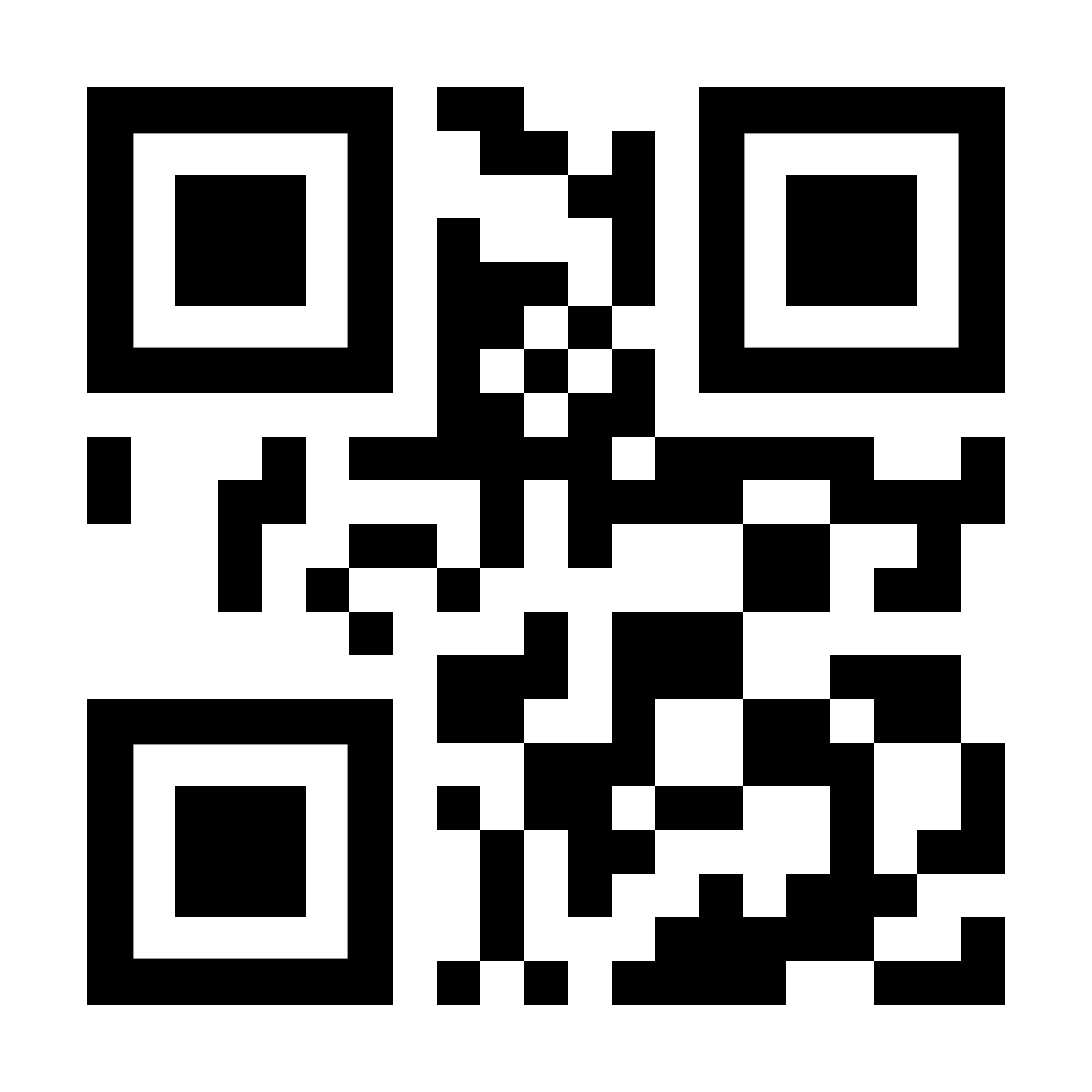
Novaro NOVPOS005 Square Desktop QR Code Scanner
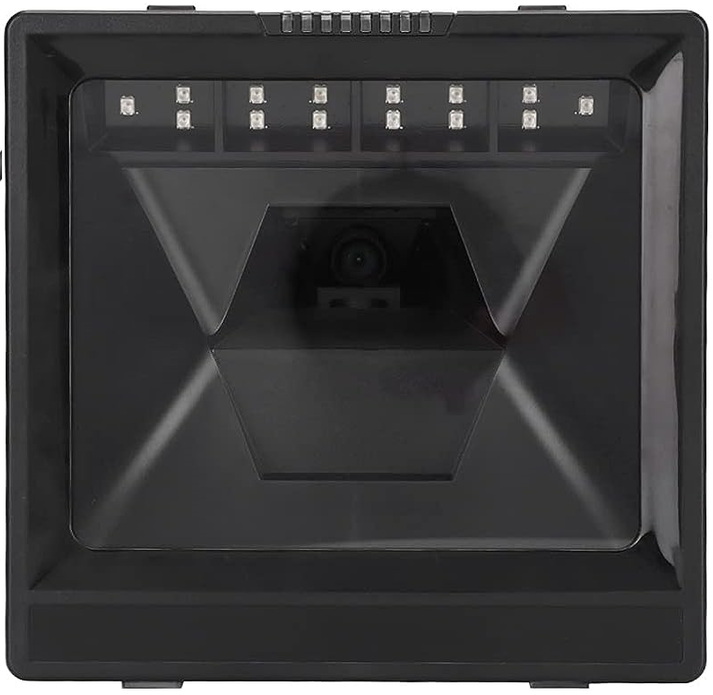
- Scan the reset to default QR Code – Right click and open image in a new tab to isolate it.
- Scan the No Suffix QR Code – Right click and open image in a new tab to isolate it.


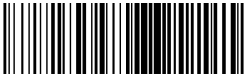
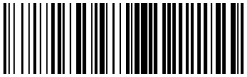
Gemini GMI8130 Round Desktop QR Code Scanner
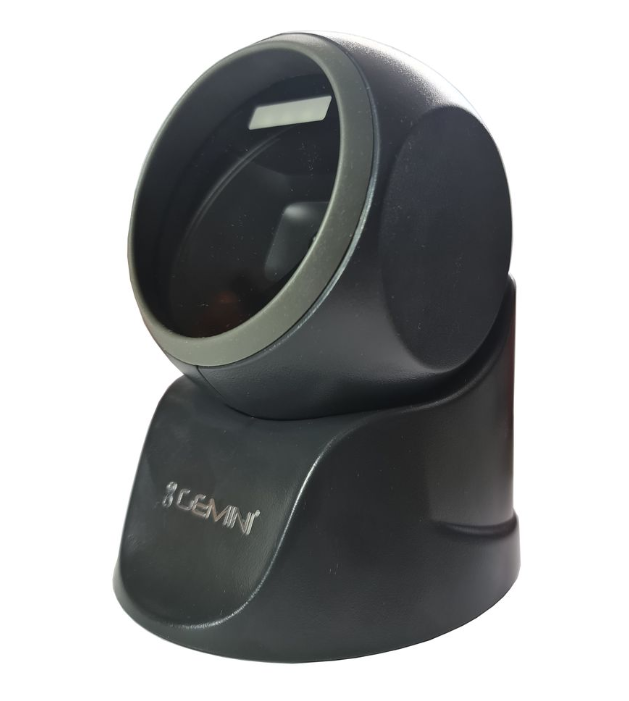
- Scan the reset to default BAR Code or QR Code – Right click and open image in a new tab to isolate it.
- Scan the No Suffix Bar Code or QR Code – Right click and open image in a new tab to isolate it.