21 December

24 December


29 December


Dear Sapphire Team Member,
It’s official, we are introducing a uniform range for Sapphire.
A uniform represents being part of a reputable company and resembles a level of professionalism. It also aids customer service in that customers can recognise employees of Sapphire.
The first set of uniform items are supplied by Sapphire to you, and thereafter any additional items will be to your account, to ensure Sapphire represents a united team and professional brand image.
The date of implementation will be communicated accordingly.
The tops style, cut and colours were determined based on the functionality and purpose for each
department to ensure you can fulfil your duties in comfort.
With the implementation of a uniform comes a uniform policy. This policy will be issued to each employee to sign upon issuing of their uniform. You can also view the policy on the intranet.
In the coming days you will receive a notification as to the ordering process and whom the contact person will be.
Due to Covid and strict health and hygiene protocols we will not have samples available to fit. You will have to measure based on the half chest measurements supplied. There will be a how to measure chart and a video available to assist you in showing you how to measure. Should you require assistance please ask.
Let’s live the brand, love the brand and (finally) be the brand!
#SapphireCares
Looking forward to seeing as all “rocking” our Sapphire uniform and representing OUR brand!
On behalf of the management team
“When I put on my uniform, I feel I am the proudest person on earth” -Roberto Clemente
Continue reading…


Sapphire is a target for malicious hackers that want to steal or hold to ransom our company information or get access to your personal information or banking details. We need to be vigilant with incoming emails and the attachments they may contain.
Check your computer’s system tray regularly, to make sure the Sophos (the Anti-virus software we use) is in fact running and active on your PC. Your system tray is found close to your computer clock on the bottom left hand corner of your screen.

A common spoofing method is when they change the name of the sender so that it doesn’t match the email address. for example; you may see an email from Darryl Roggen in your inbox (Who you know), but when you investigate the email address it’s actually peter@hotmail.com. Here’s another example;

Another spoofing method is to use characters that are similar to actual letters in order to make the sender email address to appear to be from a recognisable source: For example, many Greek characters look similar to Latin letters, such as the Greek character “ε” and the letter “e”. Emails may use the Greek character instead of the letter “e” in the sender’s address, like this: “example@sapphirε.co.za”. Unless the recipient is paying attention, they might not notice the email address is incorrect.

Phishing scams usually appear to come from legitimate businesses, like your bank or a government agency like the IRS or the Social Security Administration. These emails will often contain URLs that link to malicious web pages asking for your private information, and the spoofed pages look very convincing!
Again, we understand that, in business, it’s not often possible to avoid giving away your personal information. Just remember: legitimate businesses, like the government or Apple, will never ask for personal information such as passwords, social security numbers, or credit card numbers via email.
Giving out your information can lead to drained bank accounts or even identity theft.
The best policy is to refrain from downloading files or clicking through links in a strange email unless you trust the source. Malware, viruses, and other types of malicious material can be easily downloaded to your server or computer through attachments or malicious links, such as the Dropbox link in the below example:

Another sign of a dangerous spam email is when the content seems too good to be true – often in the form of a promise for large sums of money or unprompted offers for advertisement opportunities. Such emails are almost always phishing schemes trying to collect bank account information from the recipient.
The goal of an email that seems too good to be true is to encourage the recipient to click a link and provide their bank account information – a classic phishing scam. These scams come in many forms, including the story about the government owing you money in the below example:

To further illustrate the growing threat every company and individual is facing with regards to their cyber security, please take a moment to read this article about the WannaCry Malware and how it has changed and multiplied over the last 2 years. Link
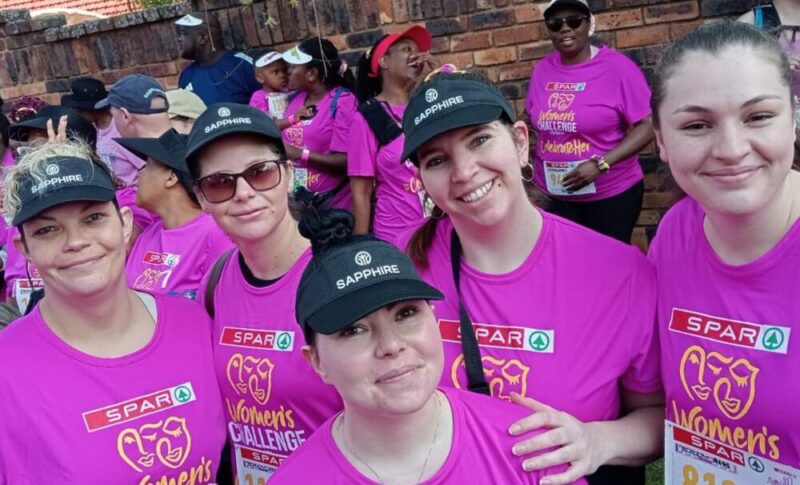
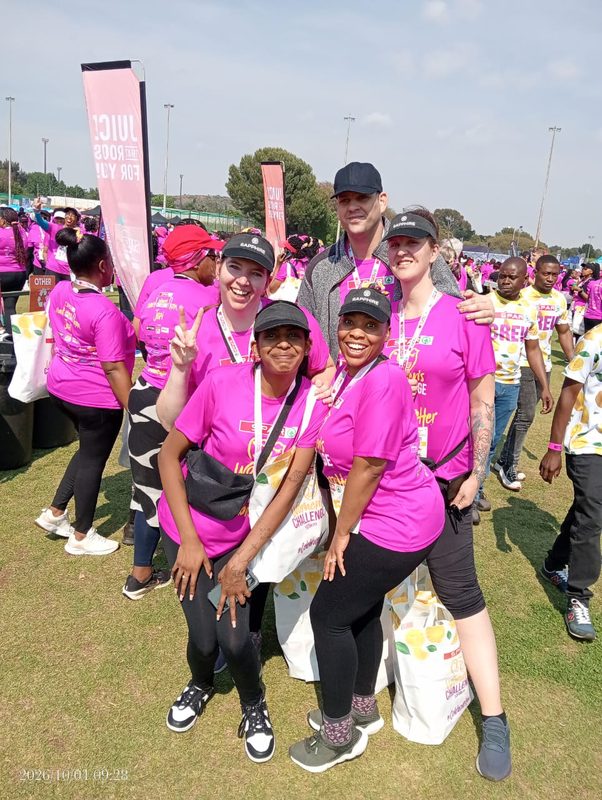
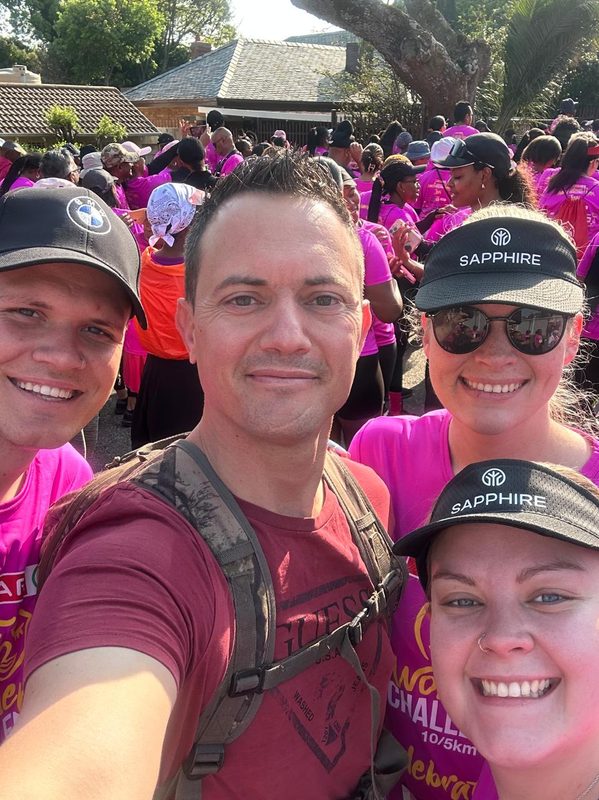
What a beautiful day of strength, sisterhood and awareness.
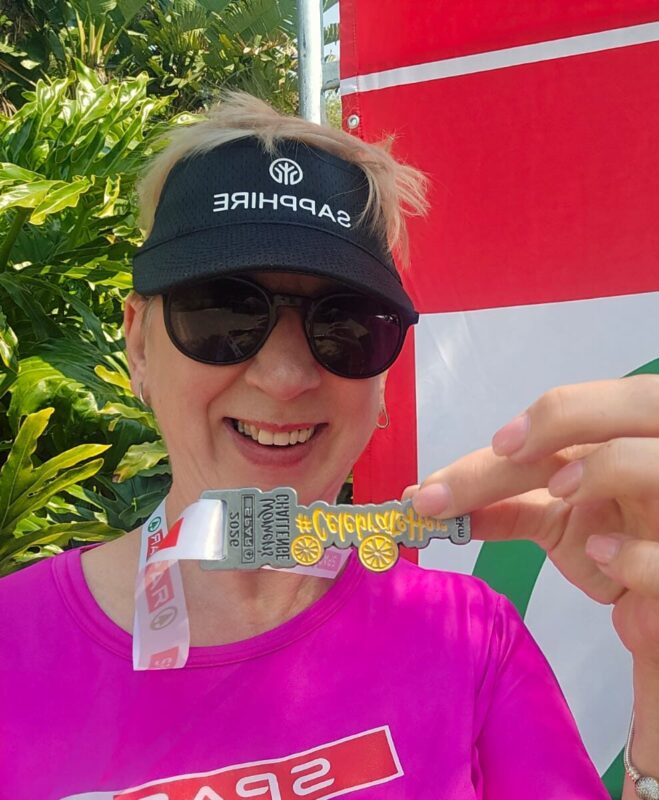
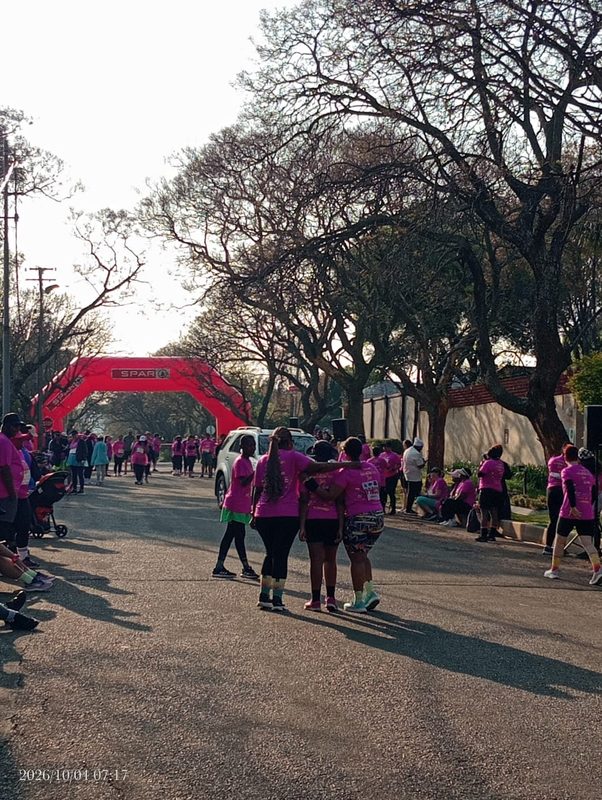
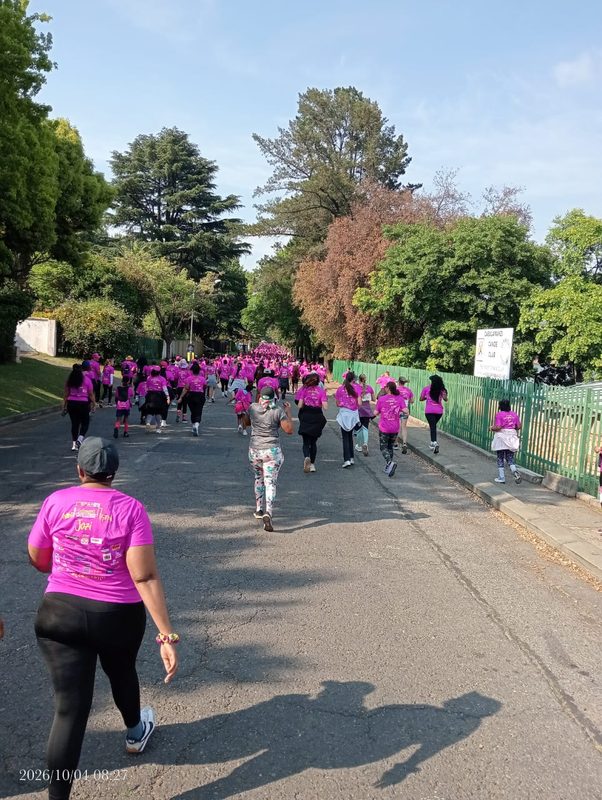
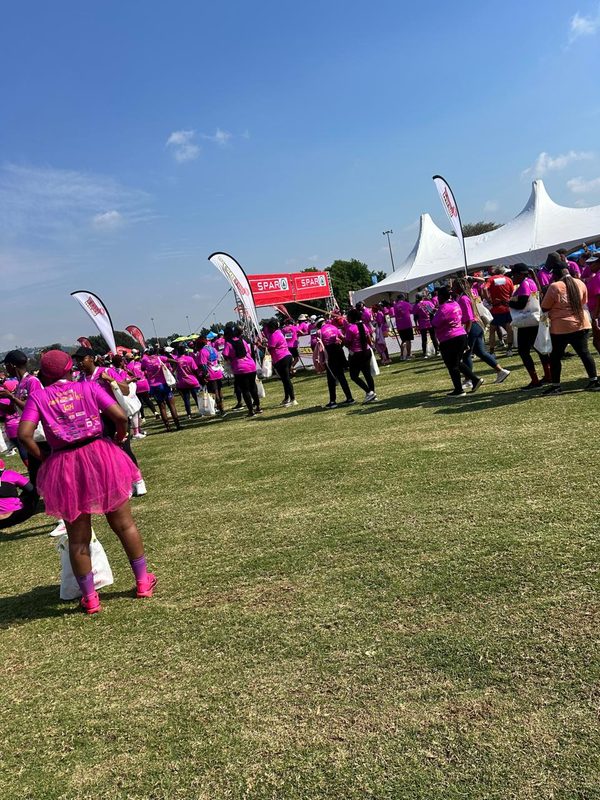
Our Sapphire ladies took part in the SPAR Women’s Challenge on 04 October 2026, coming together not only for a morning of fun, fitness and friendship, but also to support the important message of standing together to #CelebrateHer.
The SPAR Women’s Challenge is more than just a run or walk it is an opportunity for women to come together, raise awareness and show that our voices are stronger when we stand united. It was wonderful to see our Sapphire ladies proudly showing their support and embracing the spirit of the day.
🏆 A very special congratulations to Elme Mienie, who achieved an incredible 2nd place in the 5 km run! What an amazing achievement.👏🏃♀️🥈
And to all our Sapphire ladies who joined us on the day WELL DONE! Whether you ran, walked, laughed, encouraged one another or simply came along to be part of something meaningful, you each helped make the day special.
Thank you for bringing your energy, smiles and incredible spirit. It was a wonderful reminder that when women support women, we are stronger together.
Here’s to more moments of togetherness, more challenges conquered and more reasons to celebrate our amazing Sapphire women!
Please enjoy the pictures of our beautiful ladies in Pink.
Well done, ladies! 💪👟