
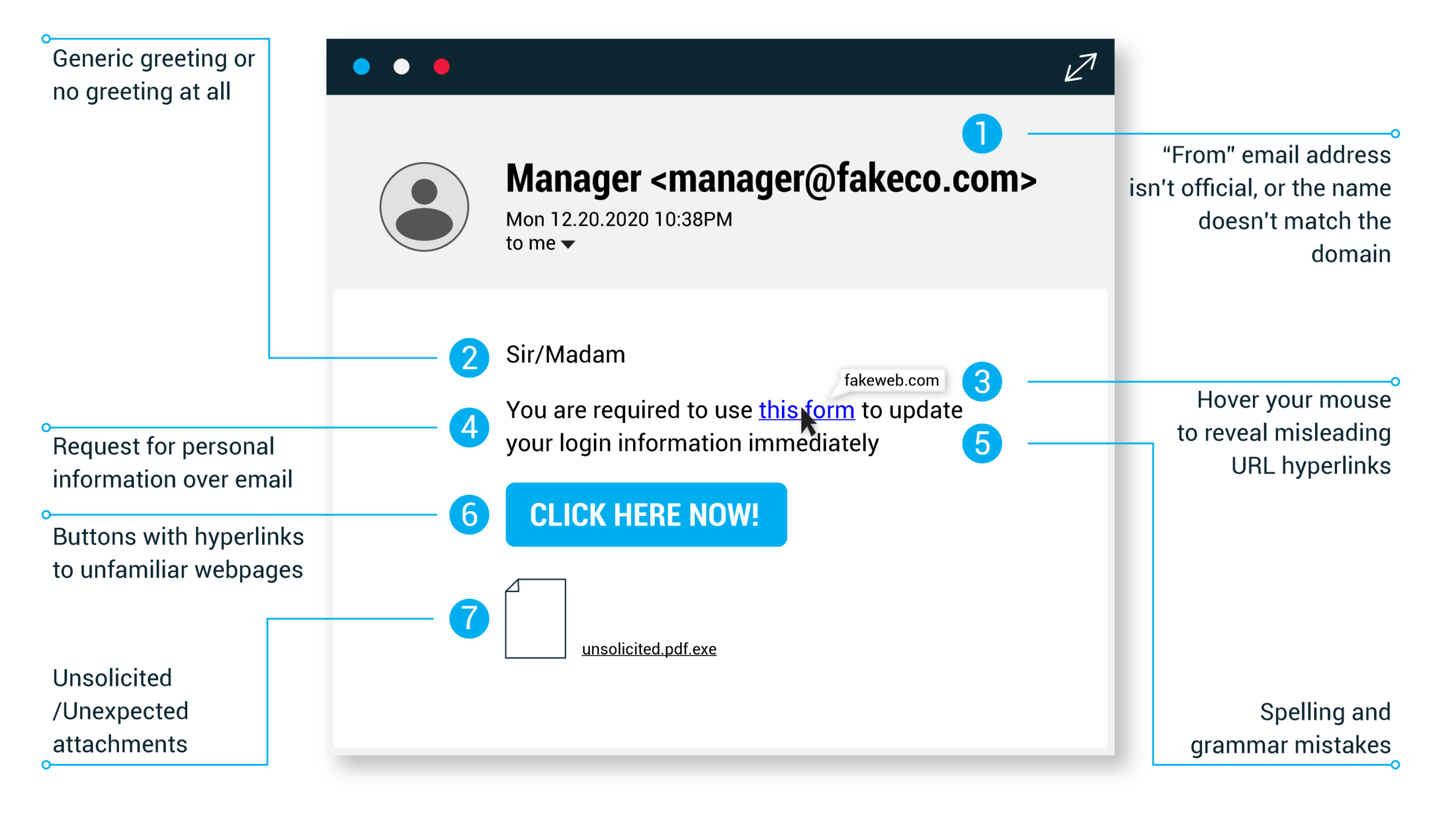
7. Legit company links match legitimate URLs
Just because a link says it’s going to send you to one place, doesn’t mean it’s going to. Double check URLs. If the link in the text isn’t identical to the URL displayed as the cursor hovers over the link, that’s a sure sign you will be taken to a site you don’t want to visit. If a hyperlink’s URL doesn’t seem correct, or doesn’t match the context of the email, don’t trust it. Ensure additional security by hovering your mouse over embedded links (without clicking!) and ensure the link begins with https://.
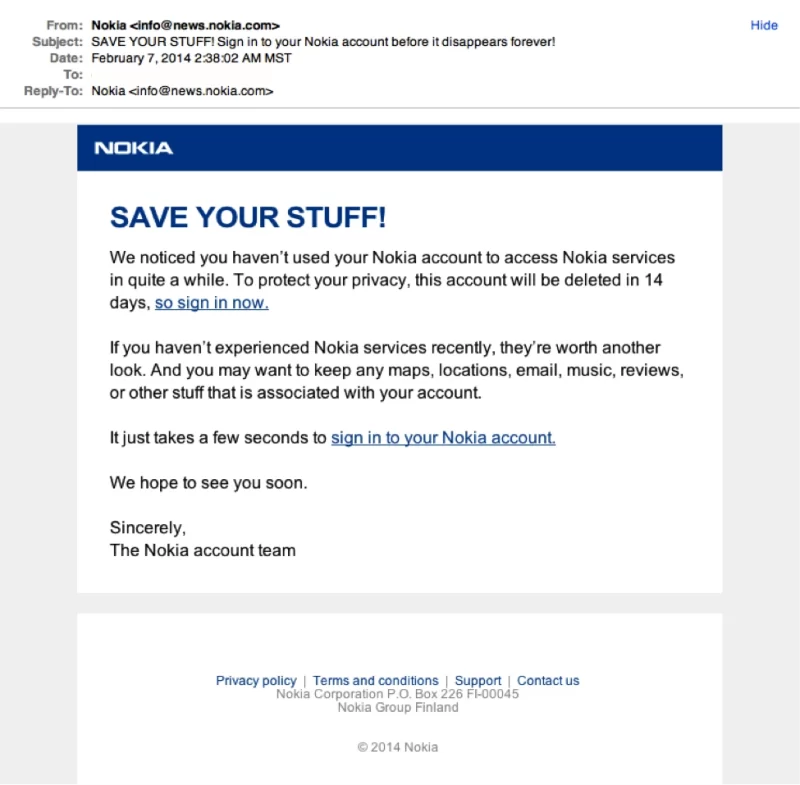
It doesn’t matter if we have all the best security systems and features in Sapphire. It takes only one inattentive employee to be fooled by a phishing attack to give away the data we’ve worked so hard to protect.
If you are unsure about an email, rather ask your line manager before replying to it or clicking any of the links.