
We have updated the template and it can be downloaded from the Downloads page on the Sapphire Intranet now. Please delete your old template. The latest file name is 20190408_SCS_Powerpoint_template.pptx
What has been updated?
The B-BEEE Level on the bottom left of the cover page has been updated. Also small design and background changes have been made.
Usage tips
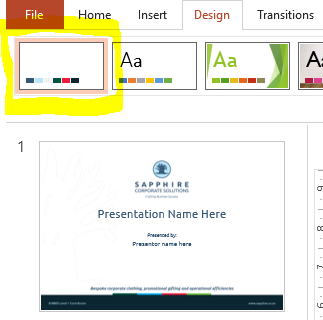
- The template has its own Design theme, that helps to select our Sapphire Colours, each time you duplicate the content slide (page 2 in the template) this will apply the Sapphire Colours to the new slides.
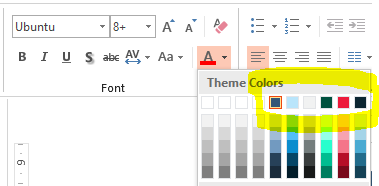
- You will also see the Sapphire Colours in the paint and text colour buttons.
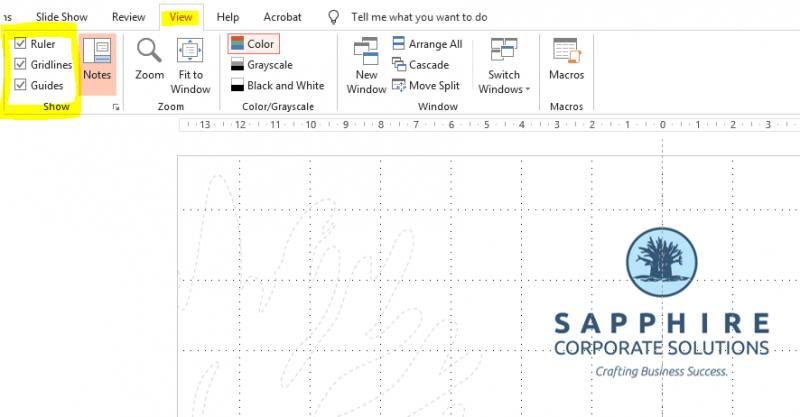
3. To make your layout easier, and to get more professional results you can enable Grid, Guides and Ruler under the View Tab.
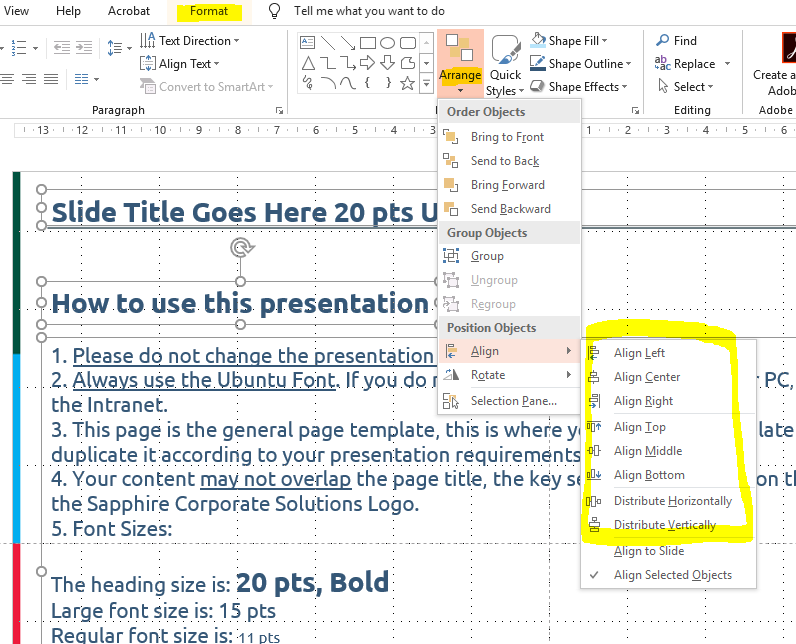
4. You can also select 2 or more items by clicking on them and holding SHIFT or CTRL and then selecting an alignment or distribution option.
5. NB: Ensure that your content does not overlap the template background (logo, disclaimer colour bars on the right and heading line at the top)
Finally, please remember that if you intend on distributing your presentation to clients, save it as a PDF first before sending it on.
If you get stuck you can contact art@sapplogistics.co.za for assistance.
Happy Presenting!