
Posted on Leave a comment

Company Announcement: How to Wear your Uniform

Dear Sapphire Team Member,

A uniform represents being part of a reputable company and resembles a level of professionalism. It also aids customer service in that customers can recognise employees of Sapphire.

Please download and share this How to Wear Guide with other team members and ensure everyone is representing the company to their fullest.

Download How to Wear Guide

Looking forward to seeing us all rocking our Sapphire uniform and representing OUR brand!

Posted on Leave a comment

New Signature Image – Please Update

Please take the time to set up your updated signature.


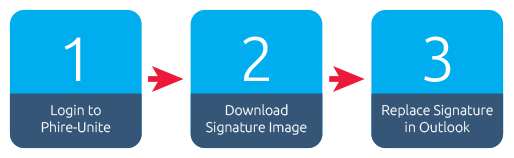
  1. Visit www.phire-unite.co.za and log in
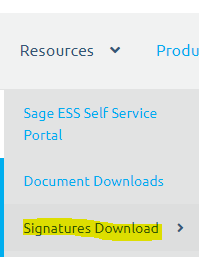
  2. Once you have logged into www.phire-unite.co.za you can download your signature here: Signatures Download
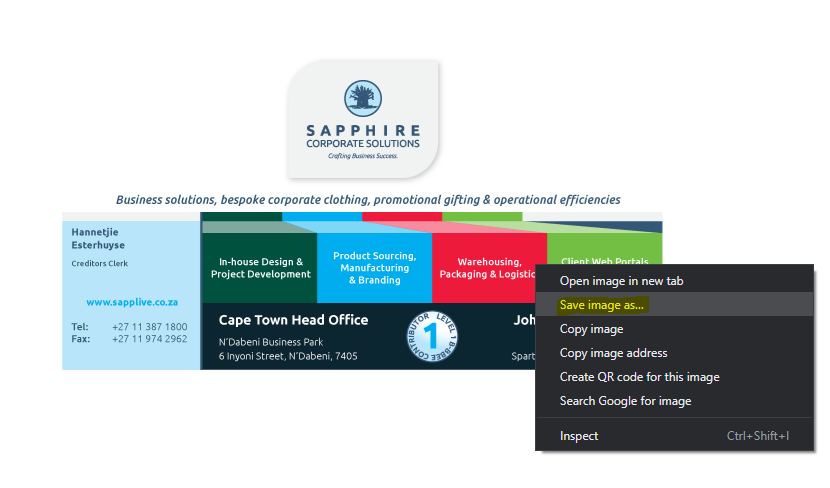
  3. To download your new signature, right-click on the logo, and select save image as…


  4. Replace current Image with your new signature image:
    • – Open a new email
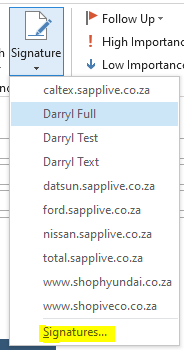
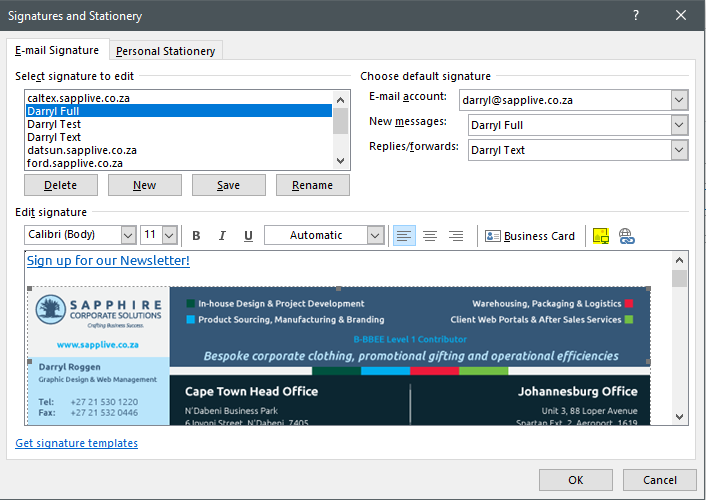
    • – Click on “Signature –> Signatures…”


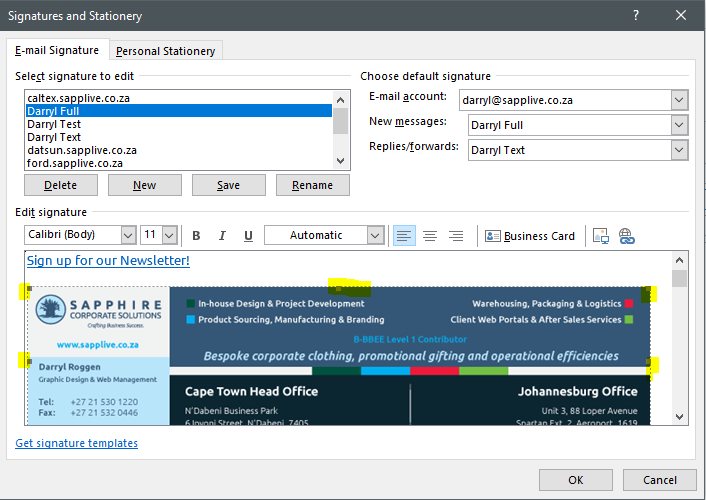
    • – Select the old signature image so that it has corner handles


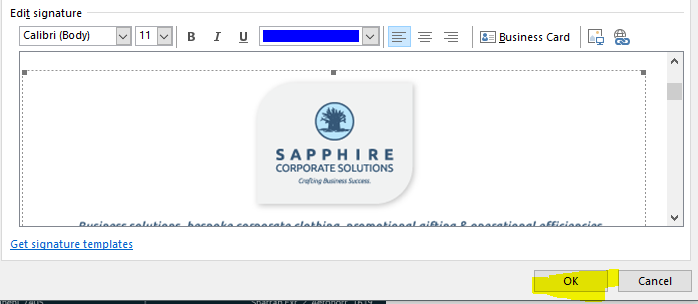
    • – Click on the insert image button and browse to where you saved your signature on your computer and select the file and then click “Insert”


    • – Once you have inserted the signature, click OK


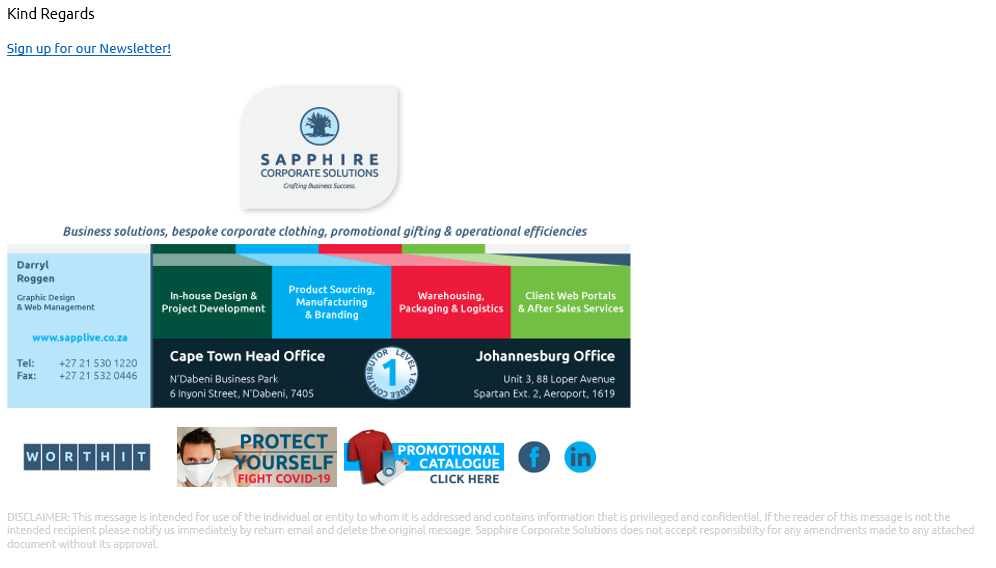
    • – Close the new email and then open a new email again and you should see the new signature, it should look like this:


Thank you