Please take the time to set up your updated signature.
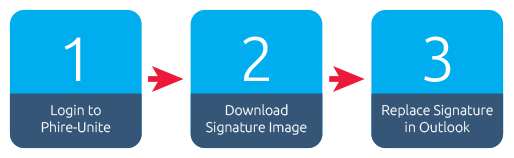
- Visit www.phire-unite.co.za and log in
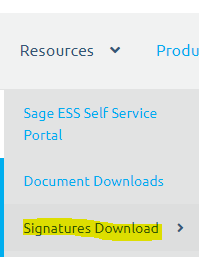
- Once you have logged into www.phire-unite.co.za you can download your signature here: Signatures Download
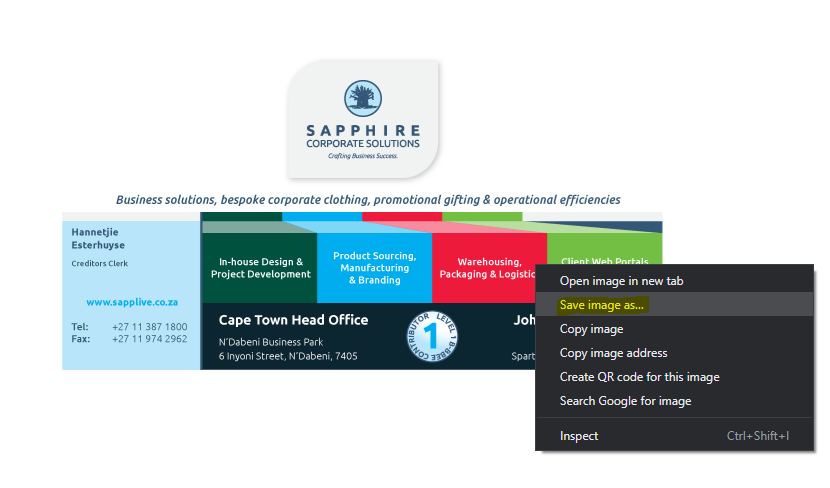
- To download your new signature, right-click on the logo, and select save image as…
- Replace current Image with your new signature image:
- – Open a new email
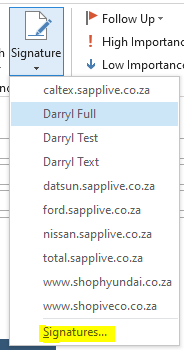
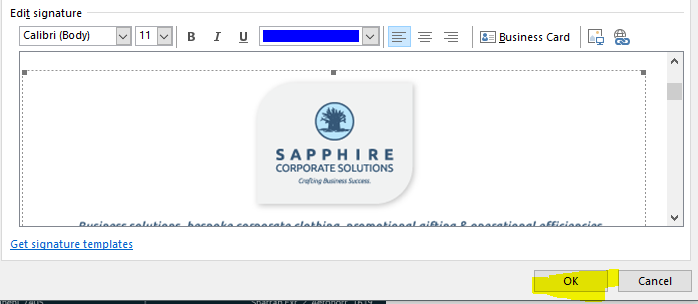
- – Click on “Signature –> Signatures…”
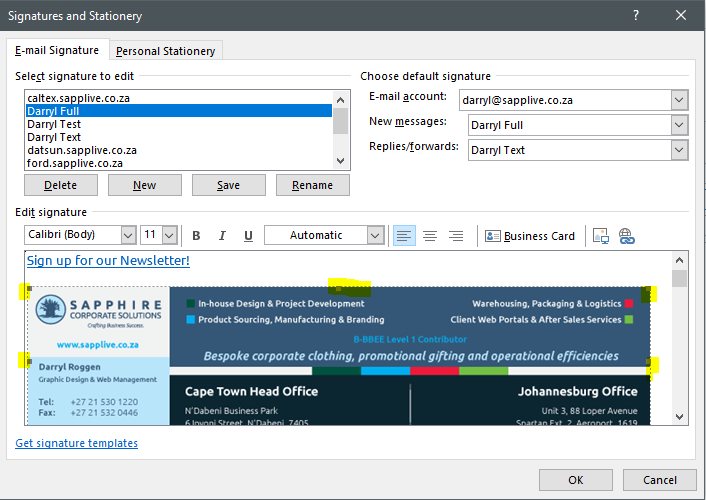
- – Select the old signature image so that it has corner handles
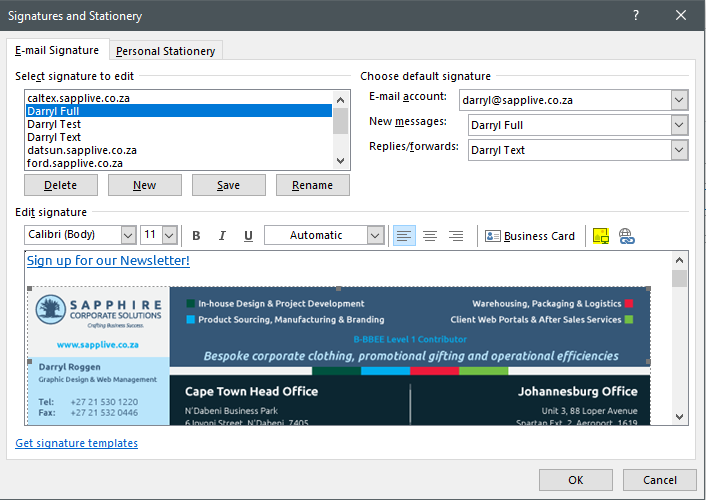
- – Click on the insert image button and browse to where you saved your signature on your computer and select the file and then click “Insert”
- – Once you have inserted the signature, click OK
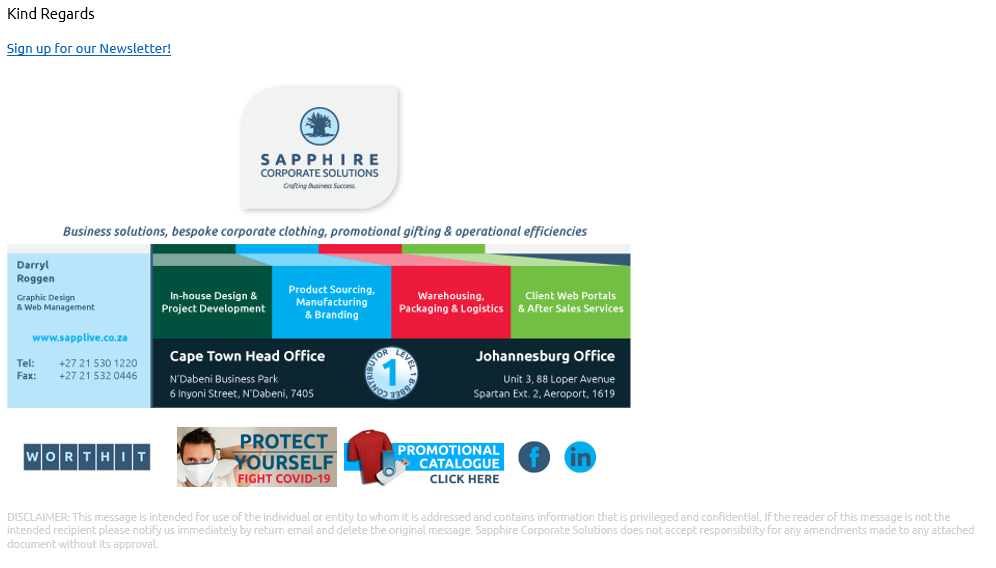
- – Close the new email and then open a new email again and you should see the new signature, it should look like this: